Moneycontrol Portfolio Tracker: Features, Fees, And Setup
Shlok Sobti
Moneycontrol Portfolio Tracker: Features, Fees, And Setup
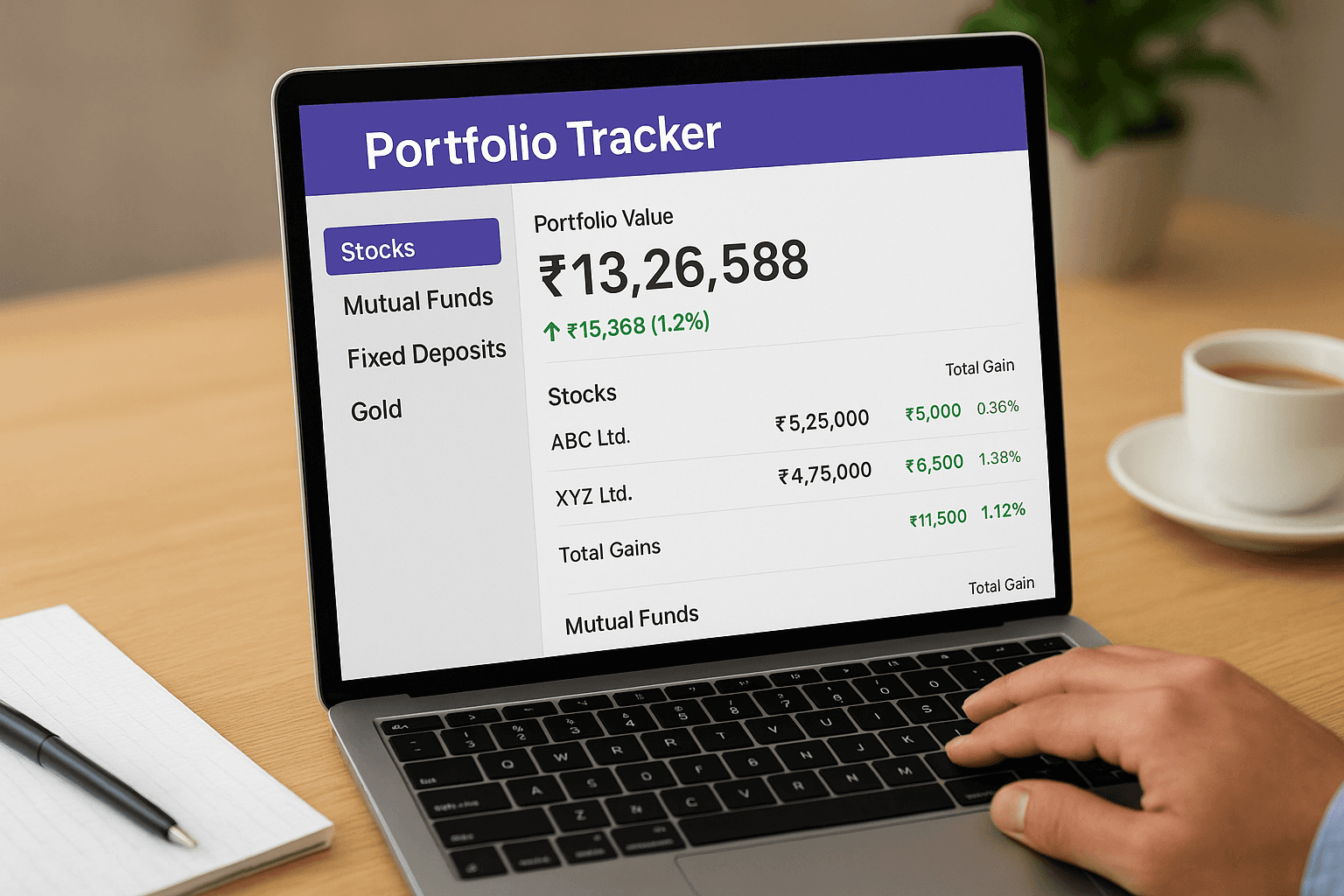
Keeping tabs on your stocks, mutual funds, and other investments scattered across multiple platforms can get messy fast. That's where a moneycontrol portfolio tracker comes in, a popular choice among Indian investors who want a consolidated view of their holdings. Whether you're tracking a few equity positions or managing a diversified portfolio, understanding what this tool offers (and where it falls short) matters before you commit your time to setting it up.
This guide breaks down Moneycontrol's portfolio tracker, its core features, pricing structure, and step-by-step setup process. You'll also learn how it stacks up when you need more than just tracking, like actionable investment advice. At Invsify, we combine AI-powered portfolio tracking with SEBI-registered advisory services, so we understand what investors actually need from these tools. By the end, you'll know whether Moneycontrol fits your requirements or if you need something more comprehensive.
Why investors use Moneycontrol portfolio tracker
You're already checking Moneycontrol for stock prices and market news, so using their portfolio tracker makes sense if you want everything in one place. Indian investors gravitate toward this tool because it eliminates the hassle of logging into multiple broker accounts just to see your total holdings. Instead of juggling separate dashboards for your mutual funds at one provider, stocks at another, and fixed deposits elsewhere, you get a single snapshot that updates as markets move.
Free access to basic tracking tools
The biggest draw is that you can start tracking your portfolio without paying anything upfront. Most investors don't want to commit to a paid subscription before they know if a tool actually works for their needs. Moneycontrol's free tier lets you add your holdings manually, view current values, and track gains or losses across different asset classes. This zero-cost entry point makes it easier to test whether consolidating your investments into one view saves you time compared to checking each platform separately.
"Free portfolio tracking removes the barrier to getting organized, especially when you're managing multiple investments across different providers."
Familiar brand with market data integration
You trust Moneycontrol for real-time market updates and company research, so extending that trust to portfolio management feels natural. The platform pulls live data feeds that match what you see in their stock screeners and market sections, which means your portfolio values stay current throughout trading hours. Unlike standalone apps that might lag or show inconsistent pricing, the moneycontrol portfolio tracker uses the same backend that powers their main financial portal. This integration also means you can quickly jump from your holdings view to detailed stock analysis without switching websites or apps.
What you can track and key features
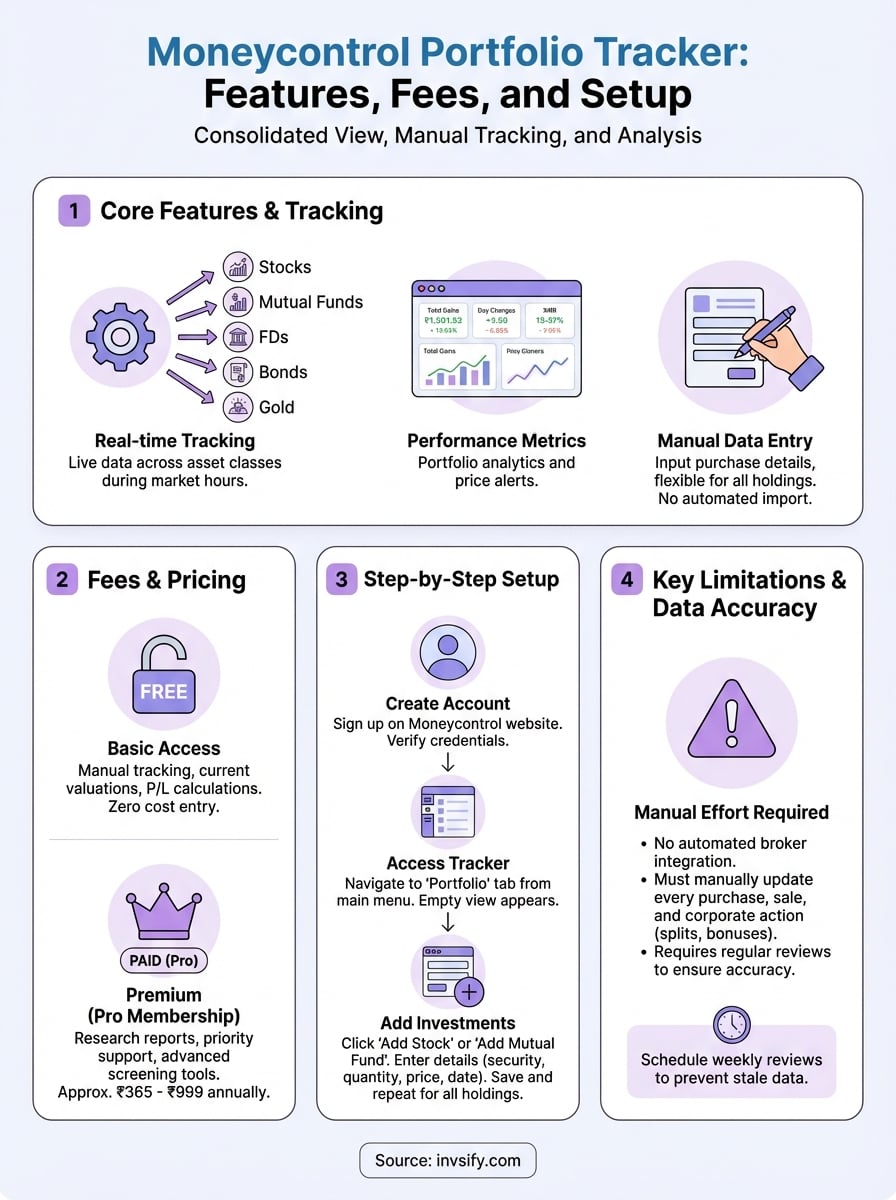
The moneycontrol portfolio tracker covers stocks, mutual funds, fixed deposits, bonds, and gold, letting you build a complete picture of your wealth across asset classes. You can manually add each holding with purchase details like quantity, buy price, and transaction date, which the system then uses to calculate your current profits or losses. This flexibility means you're not locked into automated broker imports that might miss smaller investments or alternative assets you've acquired outside traditional platforms.
Real-time tracking across multiple asset classes
Your equity holdings update automatically during market hours, showing you how individual stocks perform against their purchase prices. The tracker also handles systematic investment plans for mutual funds, calculating returns based on your SIP schedule and NAV history. When you add fixed deposits or bonds, you can input maturity dates and interest rates so the system projects your expected returns. This cross-asset visibility saves you from switching between your bank's FD portal, your demat account, and your mutual fund statements just to understand your total portfolio value.
"Tracking everything in one dashboard reveals how your asset allocation actually looks, not just how you planned it."
Performance metrics and alerts
You get portfolio-level analytics like total gains, day changes, and XIRR calculations that show your actual returns across staggered investments. The platform also offers price alerts for stocks you own or watch, sending notifications when holdings hit targets you've set.
Fees, premium add-ons, and limitations
The basic moneycontrol portfolio tracker is completely free for anyone who creates an account, giving you access to manual portfolio tracking, current valuations, and simple profit/loss calculations. You don't face paywalls for adding holdings or viewing your dashboard, which makes it practical if you're testing whether consolidated tracking actually helps your investment decisions. However, Moneycontrol offers premium subscriptions through their Pro membership that unlock research reports, priority customer support, and advanced screening tools for stocks and mutual funds, though these features extend beyond just the portfolio tracker itself.
Premium features and costs
Moneycontrol Pro memberships typically cost around ₹365 to ₹999 annually depending on promotional offers, granting you access to exclusive market analysis, company financial reports, and technical charts that complement your holdings view. These premium perks enhance your research capabilities but don't fundamentally change how the portfolio tracker functions.
"Free tracking handles your basic needs, but premium research tools require you to evaluate if the added insights justify the annual cost."
What the tracker can't do
The biggest limitation is no automated broker integration for equity holdings, forcing you to manually update every stock purchase or sale you make. This manual process becomes tedious when you trade frequently or hold dozens of positions across multiple accounts.
How to set up and use it step by step
Getting started with the moneycontrol portfolio tracker takes less than five minutes if you already have login credentials for Moneycontrol. You simply navigate to the Portfolio section from the main menu, then begin adding your holdings one by one through their input forms. The platform guides you through each asset type with different fields depending on whether you're tracking stocks, mutual funds, or fixed deposits.
Creating your account and accessing the tracker
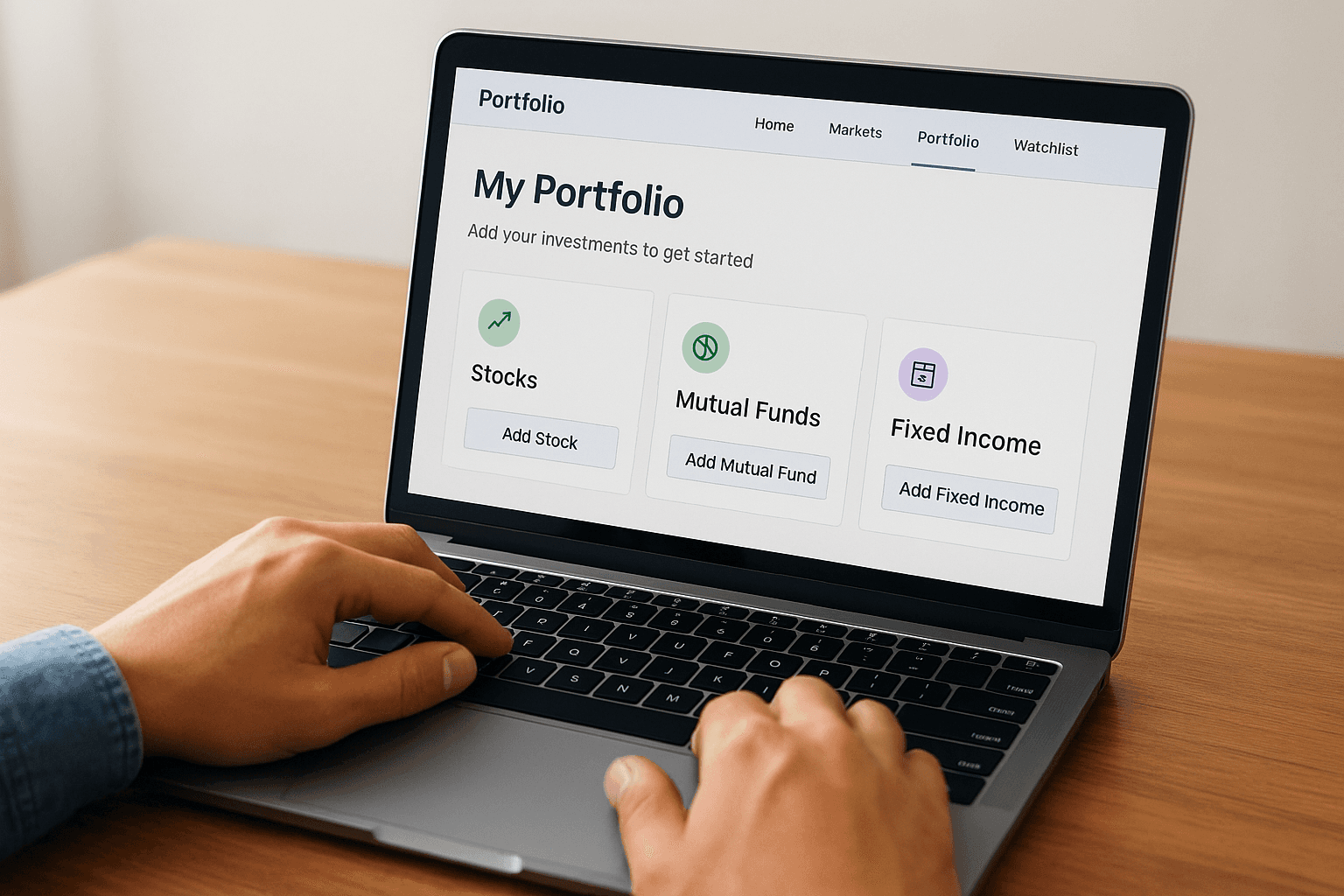
Head to Moneycontrol's website and click the Sign Up button in the top right corner to create your free account using your email address or mobile number. After verifying your credentials, log in and hover over the Portfolio tab in the main navigation menu to access the tracker dashboard. You'll land on an empty portfolio view that prompts you to add your first investment, where the interface splits into categories like Stocks, Mutual Funds, and Fixed Income.
"Starting with your largest holdings first makes the setup process less overwhelming and shows immediate value from consolidation."
Adding your first investments
Click Add Stock or Add Mutual Fund and enter details including the security name, purchase quantity, buy price, and transaction date. The system auto-fills current market prices once you select the investment, calculating your gains or losses instantly. Repeat this process for each holding across your different accounts, saving after each entry to ensure your data persists.
Fix common issues and keep data accurate
The moneycontrol portfolio tracker relies on manual data entry, which creates opportunities for errors that throw off your total returns and allocation percentages. You might enter the wrong purchase price, forget to update a stock split, or duplicate a mutual fund holding across portfolios. These mistakes compound over time, making your dashboard less useful when you actually need accurate numbers to make investment decisions. Staying on top of data quality means scheduling regular reviews of your holdings and knowing how to fix problems when they appear.
Fixing price and quantity mismatches
Your portfolio will show incorrect gains or losses if you entered the wrong purchase price or quantity during initial setup. Go back to each holding, click the edit icon, and verify the transaction details against your contract notes or broker statements. Stock splits require special attention because you need to manually adjust both your quantity and average price to reflect the new structure. If you notice your current value doesn't match what your broker shows, double-check that you've updated corporate actions like bonuses and dividends that affect your cost basis.
"Quarterly reviews catch data drift before it makes your portfolio tracking meaningless for actual decision-making."
Maintaining consistent updates
Set a weekly reminder to log new purchases or sales you've made across all your investment accounts. This habit prevents the accumulation of missing transactions that make your dashboard stale. Delete any test entries or duplicate holdings that clutter your view and skew your allocation charts.
Next steps
You now understand how the moneycontrol portfolio tracker works, from its free manual tracking capabilities to its limitations around automated updates and investment advice. The tool serves its purpose if you need basic consolidation and can commit to regular data entry. However, tracking alone doesn't tell you whether your portfolio is actually optimized for your financial goals or if you're paying hidden fees that erode your returns.
Invsify goes beyond simple tracking by combining AI-powered portfolio analysis with SEBI-registered advisory services that give you actionable recommendations. You get automated portfolio monitoring plus conflict-free investment advice that helps you make smarter decisions about where your money should go. Instead of just watching your holdings, you'll understand what changes you need to make. Start tracking with intelligent advisory at Invsify and see how AI-powered wealth management compares to manual portfolio spreadsheets.