SEBI Intermediary Portal Login: How To Register & Sign In
Shlok Sobti
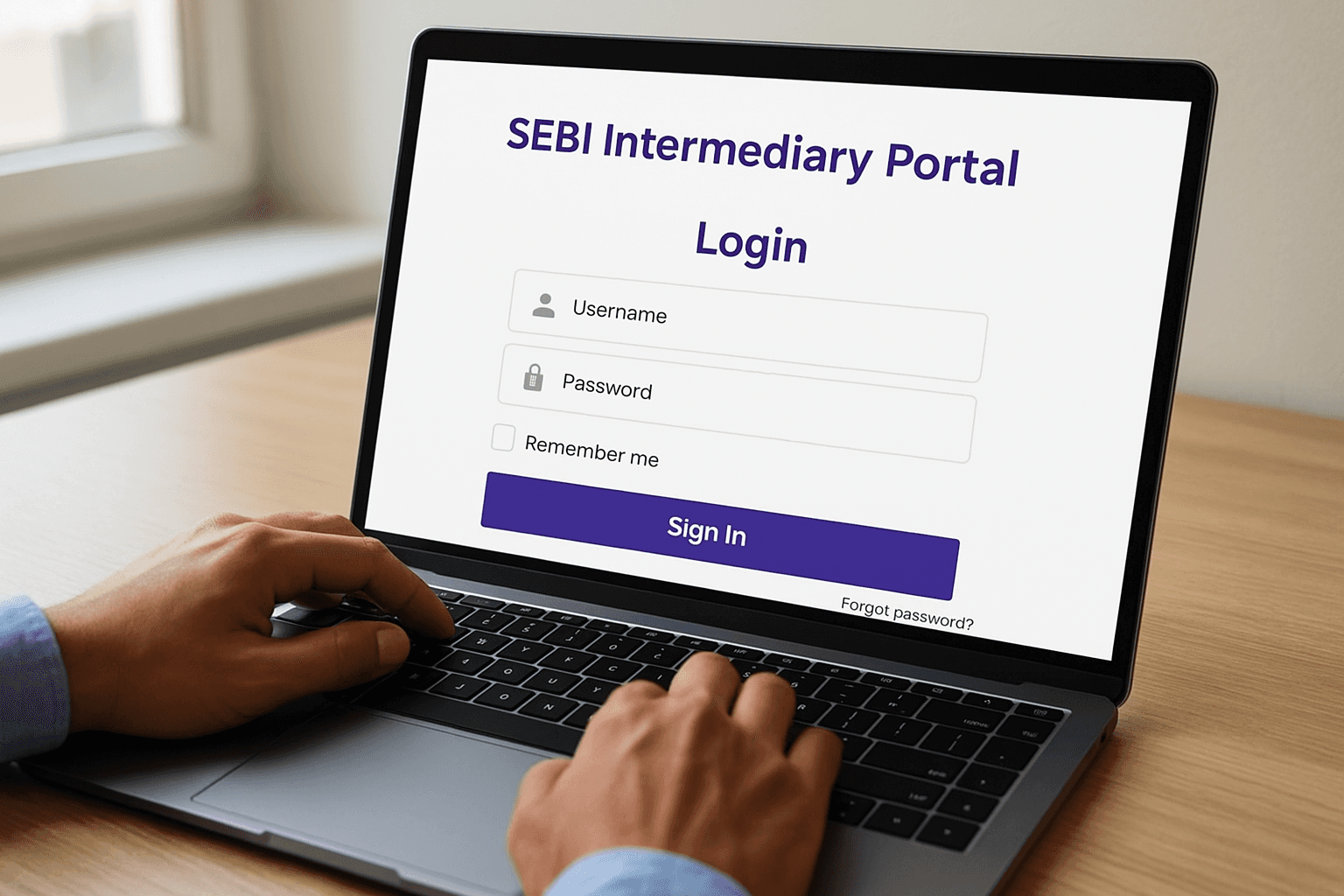
SEBI Intermediary Portal Login: How To Register & Sign In
Whether you're a mutual fund distributor, stockbroker, or investment advisor, the SEBI intermediary portal login is your gateway to registration, compliance filings, and fee payments with India's market regulator. It's the single platform where SEBI-registered entities manage their regulatory obligations, from initial self-registration to ongoing reporting.
But finding the right login page, understanding the registration steps, and troubleshooting access issues isn't always straightforward. The portal has multiple modules, and each serves a different intermediary category with its own workflow. If you've been going in circles trying to figure it out, this guide breaks it all down step by step.
At Invsify, we operate as a SEBI Registered Investment Advisor (RIA), so we've navigated this portal firsthand. Below, we'll walk you through exactly how to register, sign in, and use the SEBI intermediary portal effectively, based on real experience, not recycled instructions.
What the SEBI Intermediary Portal is used for
The SEBI Intermediary Portal (accessible at https://siportal.sebi.gov.in) is the official online platform that the Securities and Exchange Board of India built for entities operating in India's securities market. Whether you're registering for the first time or renewing an existing certificate, this is where all regulated intermediaries, including investment advisors, portfolio managers, stockbrokers, and mutual fund distributors, complete their regulatory dealings with SEBI.
Registration and Self-Registration
When you need to register as a new intermediary, the portal handles the entire application workflow. You submit your registration documents, track application status, and receive approval notifications through the same system. SEBI introduced a self-registration module for specific categories, which lets eligible entities initiate and complete their own registration without needing to go through a physical office. This significantly cuts down the time between application submission and certificate issuance.
The self-registration module is only available for select intermediary types, so confirm your category qualifies before starting.
Compliance Filings and Fee Payments
Beyond registration, the sebi intermediary portal login gives you access to ongoing compliance functions. You use it to:
Submit periodic reports and disclosures required under your registration category
Pay regulatory fees, including registration fees and annual fees
Update your entity's KYC details and contact information
Download or renew your registration certificate
Track the status of pending applications or submissions
Your compliance calendar runs through this portal, which means missing a login or letting your credentials lapse can directly affect your ability to meet regulatory deadlines. Keeping your account access active is as important as the filings themselves.
Before you start: details and access you need
Before you attempt the SEBI intermediary portal login, gather everything you need in one place. Missing a single document or credential during the process forces you to start over, which wastes time and can delay your compliance deadlines.
Documents and credentials to prepare
Having the right documents ready speeds up both registration and login. You'll need the following before you open the portal:
PAN of the entity (individual, firm, or company)
Email address and mobile number registered with SEBI
Digital Signature Certificate (DSC) for certain intermediary categories
GST registration number, if applicable to your entity
Bank account details for fee payments
If you're registering as a new intermediary, your email and mobile number must match what you submit in your application, as the portal uses these for OTP-based verification.
Browser and technical requirements
The portal works best on Google Chrome or Mozilla Firefox with JavaScript enabled. Using an outdated browser often causes page loading failures that look like login errors but aren't.
Make sure your DSC token driver is installed before you begin if your intermediary category requires digital signature authentication. You can download the driver directly from your DSC provider's official site.
Step 1. Register or self-register on the portal
Go to https://siportal.sebi.gov.in and look for the "New User Registration" or "Self Registration" option on the homepage. Which path you take depends entirely on your intermediary category.
New intermediary: standard registration
Click "New User Registration" and enter your PAN, email address, and mobile number. The portal sends an OTP to both your email and phone for verification. Once verified, fill in your entity details, upload the required documents, and submit your application. You'll receive an application reference number to track your submission.
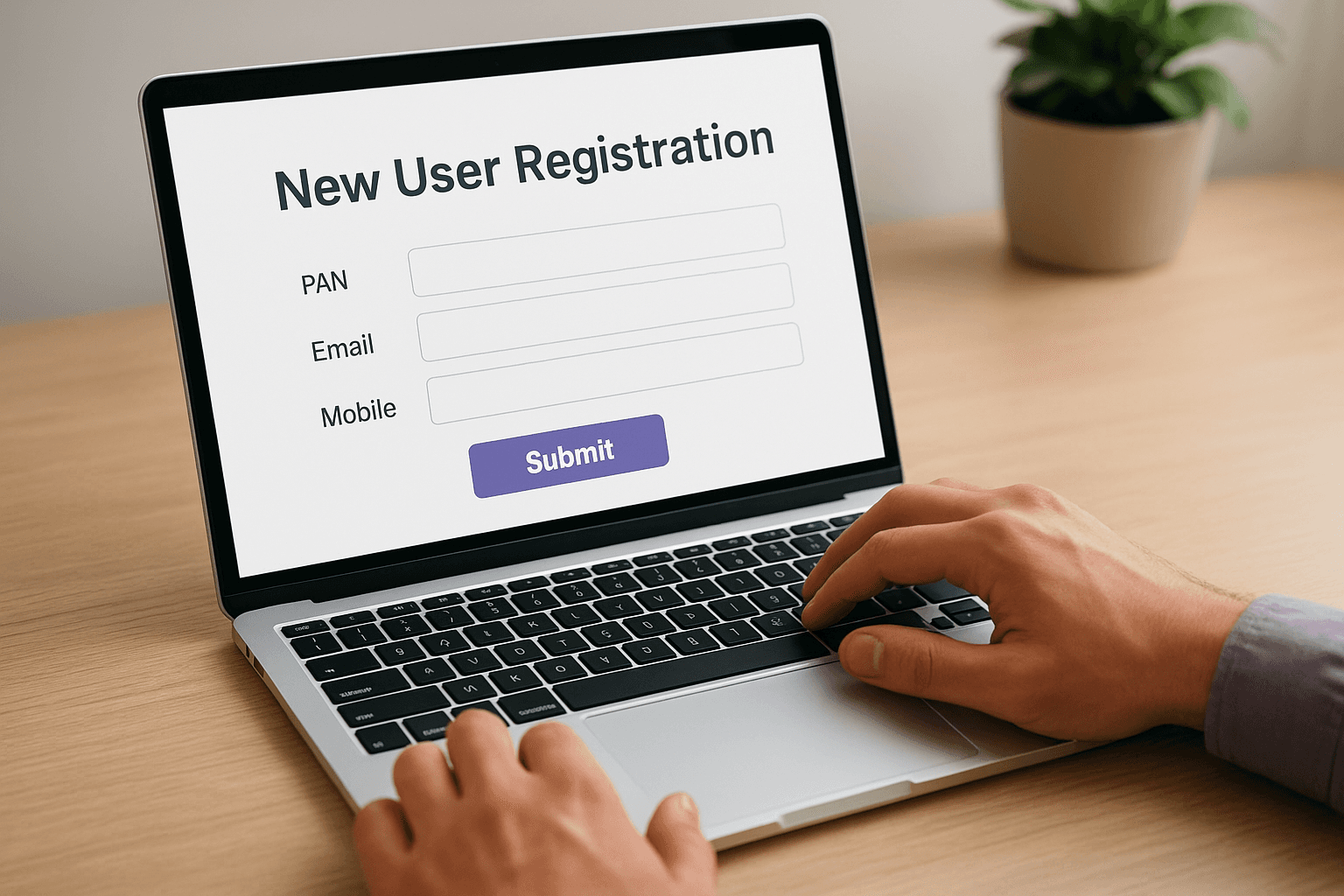
Follow these steps in order:
Select your intermediary category from the dropdown
Enter PAN details and verify via OTP
Fill in entity and promoter information
Upload required documents (certificate of incorporation, KYC proof)
Pay the registration fee through the payment gateway
Submit and save your reference number
Self-registration for eligible categories
If your intermediary category qualifies, the self-registration module shortens the process significantly. Select it from the homepage and complete the guided workflow to set up your sebi intermediary portal login credentials faster than through standard registration.
Confirm your category is eligible for self-registration before you begin, as using the wrong module forces you to restart entirely.
After submission, your credentials activate once SEBI's system processes your application. Keep your reference number accessible, since you'll need it to track status or follow up on delays.
Step 2. Sign in and complete common tasks
Once your registration is approved, the portal sends your login credentials to your registered email. Go to https://siportal.sebi.gov.in, click "Login", and enter your user ID and password to access your dashboard.
How to sign in
Enter your User ID and password, then complete the OTP verification sent to your registered mobile number or email. The sebi intermediary portal login session times out after a period of inactivity, so save your work before stepping away.
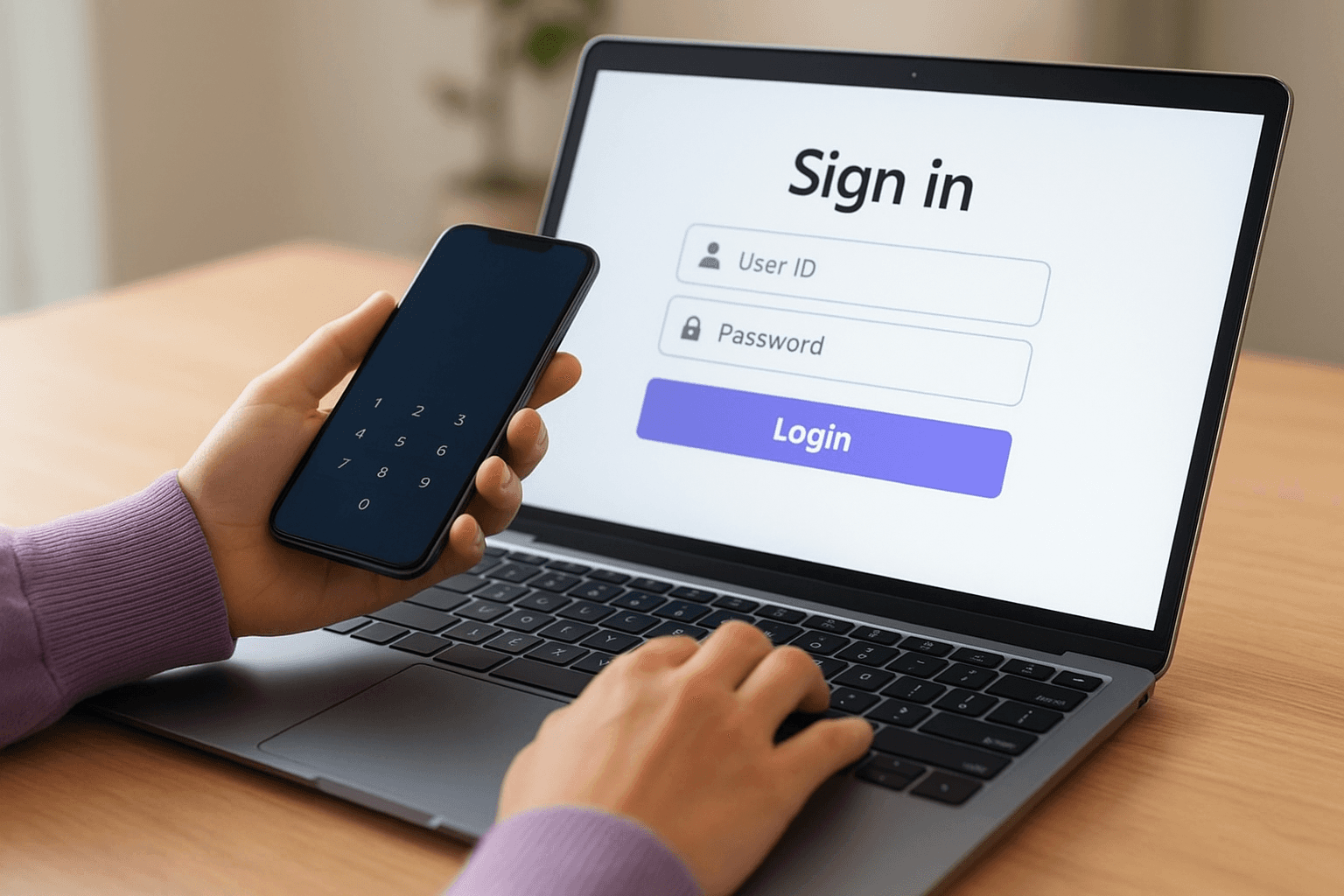
Change your default password immediately after your first login to protect your account.
Complete common tasks after login
Your dashboard gives you direct access to the most frequent regulatory tasks you'll need to perform. Use the navigation menu to find the task you need:
Task | Where to find it |
|---|---|
Pay regulatory fees | Payments section |
Submit compliance reports | Filings or Reporting tab |
Update KYC or contact details | Profile or Entity Details |
Download registration certificate | Documents section |
Track application status | Application Tracker |
Each task follows a guided form workflow, so fill in the required fields, attach supporting documents where prompted, and confirm submission. Always save the acknowledgment number generated after each completed transaction.
Step 3. Fix login problems and stay secure
Most login failures on the SEBI intermediary portal come down to a handful of predictable causes. Before contacting SEBI's helpdesk, run through the common fixes below to resolve access issues on your own and get back to your compliance tasks without delay.
Common login errors and fixes
When your sebi intermediary portal login fails, the error message usually points you toward the cause. Match your situation to the fixes in the table below:
Problem | Fix |
|---|---|
OTP not received | Check spam folder; confirm mobile number is registered with SEBI |
Forgot password | Use "Forgot Password" on login page and verify via registered email |
Account locked after failed attempts | Wait 30 minutes or contact SEBI helpdesk at sebi.gov.in |
DSC not detected | Reinstall DSC driver and use Chrome or Firefox |
Page not loading | Clear browser cache and disable extensions |
If your registered email or mobile number has changed, update your details through the Entity Profile section before attempting a password reset.
Keep your account secure
Protect your portal credentials with the same care you apply to your banking login. Use a strong, unique password and enable OTP verification on every session. Never share your credentials with staff members; instead, ask SEBI about authorized representative access for your entity type.

Next steps
You now have a complete picture of how the SEBI intermediary portal login works, from gathering your documents to fixing access errors and staying compliant. The portal itself is straightforward once you know which module applies to your intermediary category and what credentials you need before you start.
Your immediate next step is to confirm your entity's registration details are current inside the portal. Check that your registered email and mobile number are still active, since the portal relies on both for OTP verification. If you're due for a fee payment or compliance filing, log in and complete it before your deadline passes.
Managing your regulatory obligations is only one part of building wealth responsibly. If you want conflict-free, AI-powered investment advice from a SEBI Registered Investment Advisor that puts your financial goals first, get started with Invsify and see how smarter guidance can work for you.